Account System
Revornix natively supports multi-tenancy, so each user can have their own account, profile, and sections.
Revornix is not only a personal document library. It also supports a knowledge community built around sections, subscriptions, comments, and follows.
User Profile
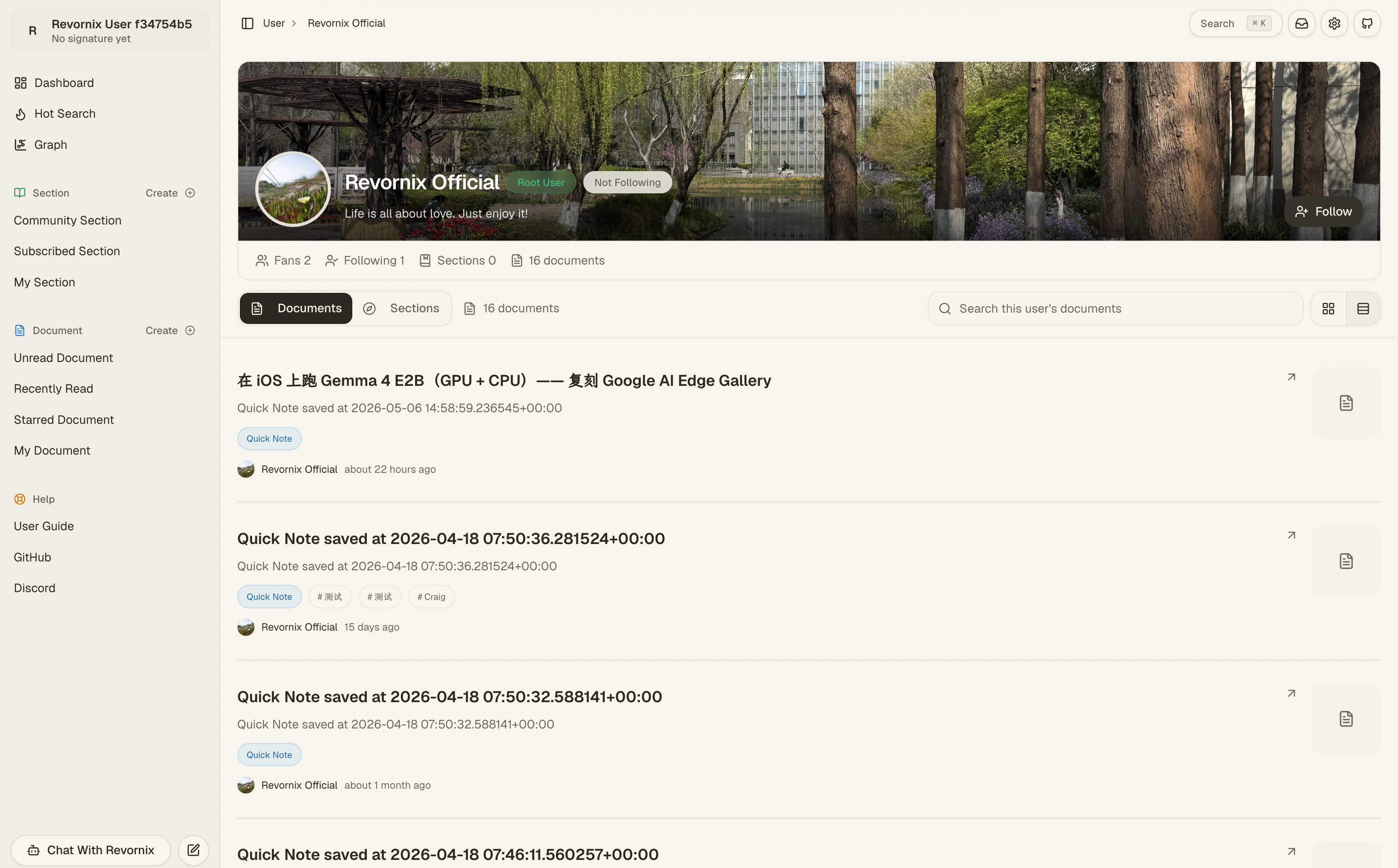
Each user has a personal homepage where you can view avatar, nickname, bio, sections, followers, and following.
View from Revornix
View from SEO Page
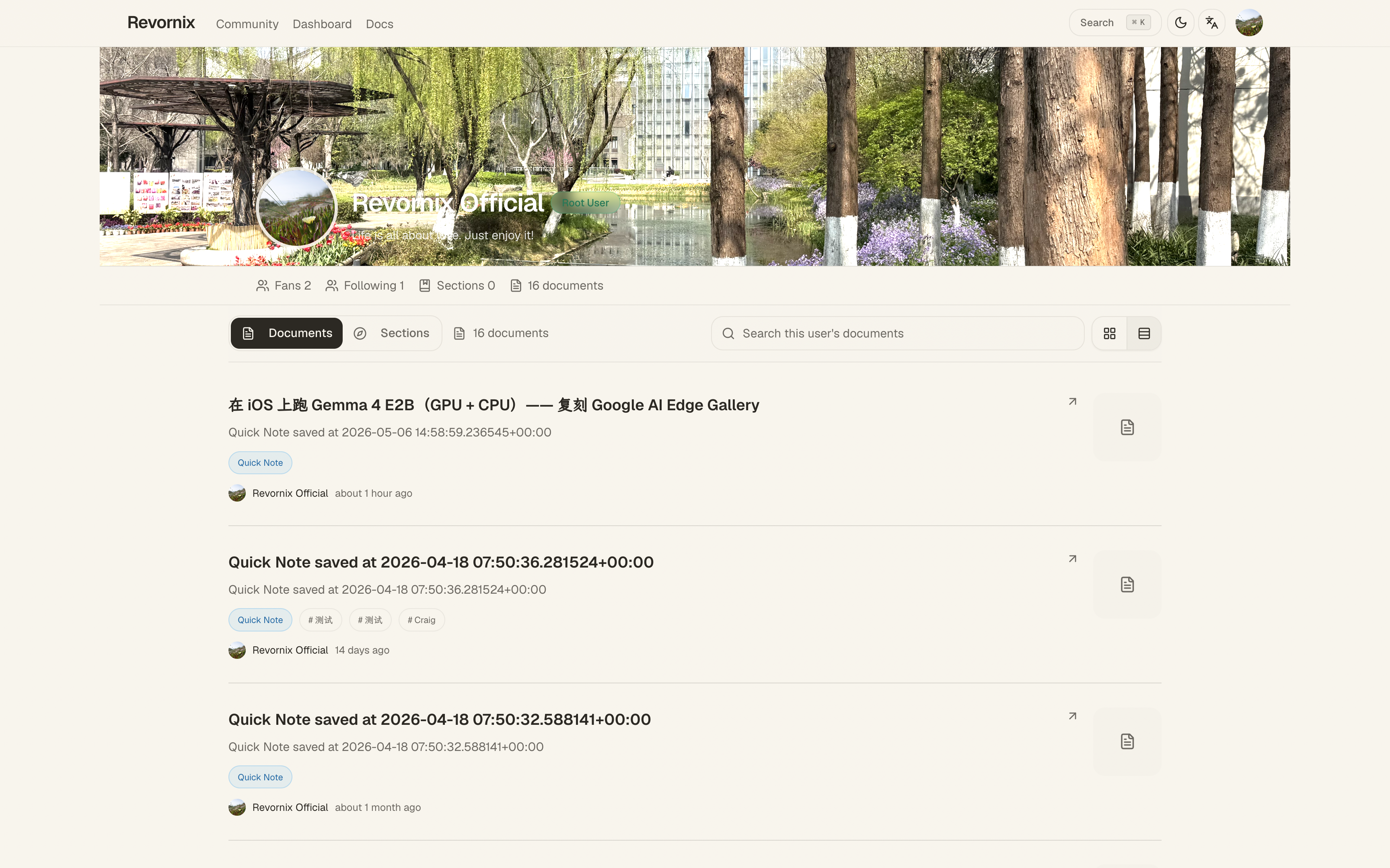
You can follow them, or leave comments in their sections.
Account Settings
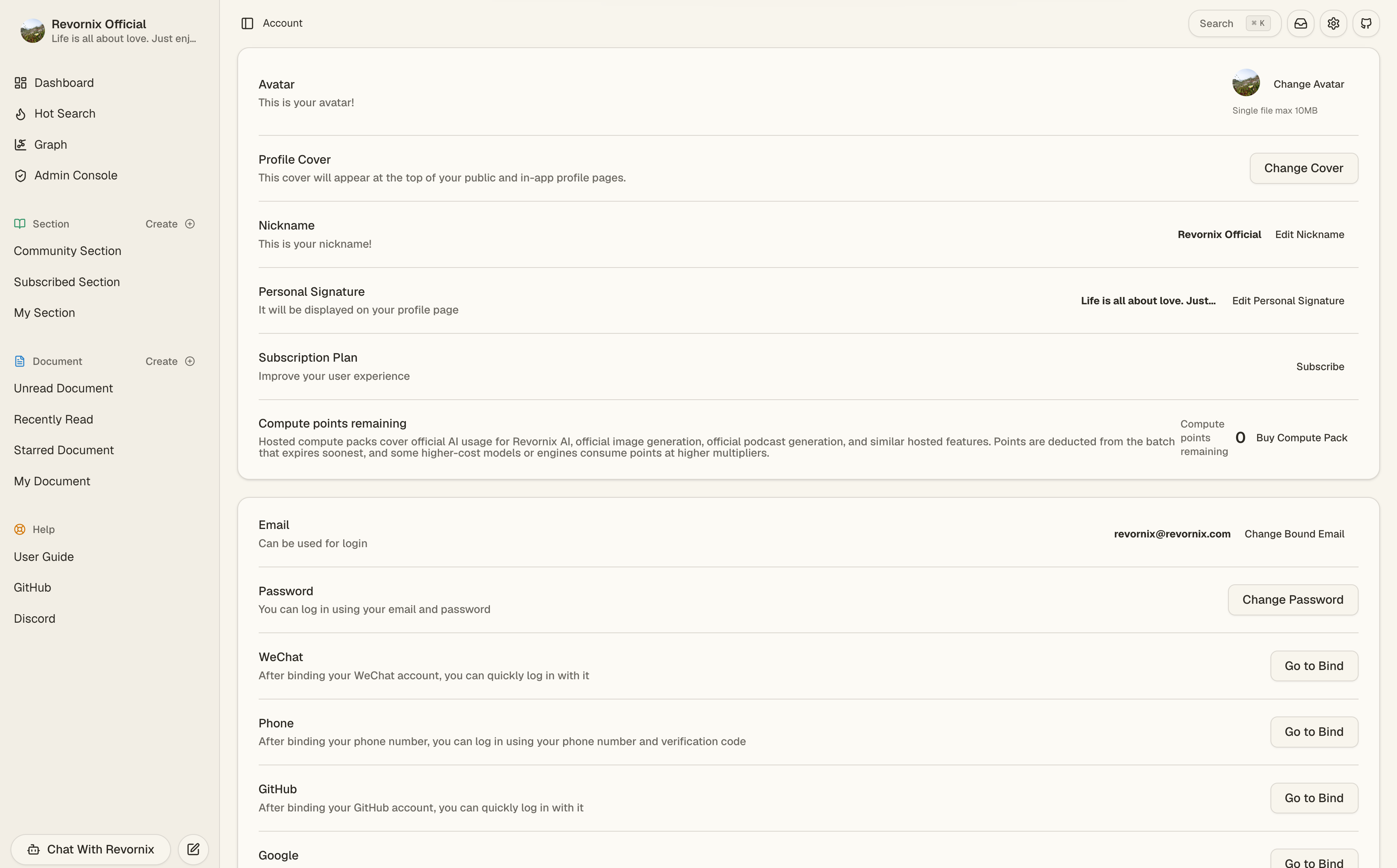
Click the user avatar in the bottom-left corner -> Account to open the settings page. Here you can update your avatar, nickname, and bio.
The same page also includes account capabilities such as email changes, password changes, and API key management.
Multi-Factor Authentication (MFA)
MFA adds an extra layer of protection to your account. In account settings you can enable one or more second factors:
- Authenticator app (TOTP): scan a QR code with Google Authenticator, 1Password, etc., then enter the rotating 6-digit code at login.
- Passkey: based on device biometrics / platform keys (Touch ID, Windows Hello, your phone) — passwordless and more phishing-resistant.
Once MFA is enabled, login and certain sensitive actions require a second verification step.
Account API Key
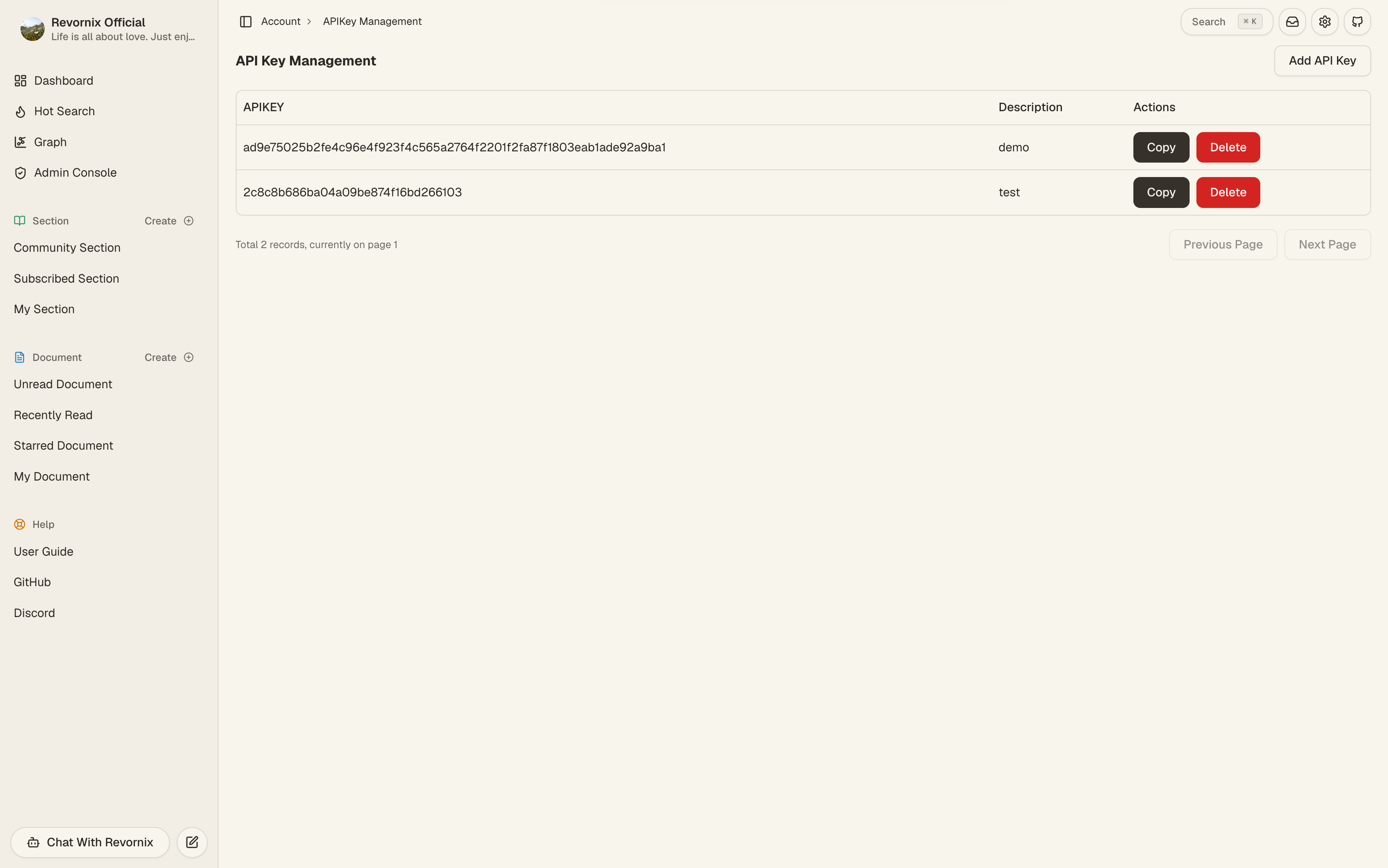
You can create and manage your account API keys here. These keys are used for API calls. See the API docs for the full list of endpoints.