Daily Section
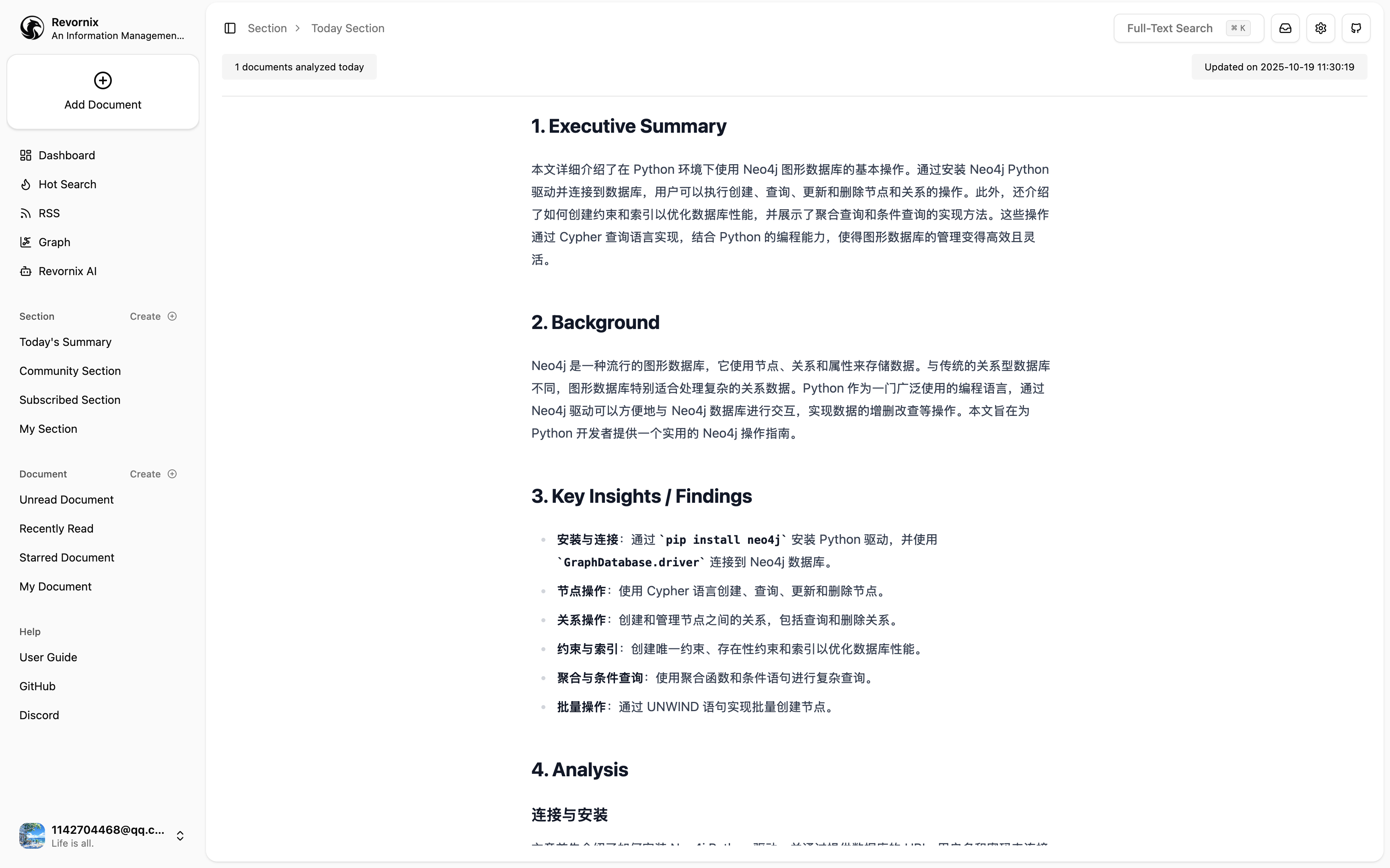
The Daily Section groups documents and generated outputs by date, making it easier to review and track each day’s activity.
Note: the Daily Section does not have a separate disable switch. Documents you create are automatically added to the Daily Section.
The Daily Section also generates summary output based on the documents added to it.
By default, automatic illustration is enabled and scheduled processing runs at 18:00 in the section’s timezone. If the first document for that day arrives after that time, the system triggers the run once on the same day as a catch-up execution. The schedule can also be adjusted when needed.
This is a system-managed section type. It does not require manual creation and updates automatically based on document collection activity.
When you create the first document on a new day, the system automatically creates that day’s Daily Section, adds the document to it, and continues updating the section as more documents arrive.
The Daily Section is created with these defaults enabled:
- Automatic podcast generation
- Automatic illustration
- Scheduled processing
This scheduled processing is only valid on the section’s own date and does not continue repeating on the following day.
This feature works well with notifications. You can configure the Daily Summary template in notification tasks so summaries are delivered at your chosen time.