MCP
MCP is an open protocol that standardizes how applications provide context to LLMs. You can think of MCP as the USB-C port for AI applications. Just as USB-C provides a standardized way to connect devices with peripherals and accessories, MCP provides a standardized way to connect AI models to different data sources and tools. — from anthropic
For better tool calling, use a base model that follows instructions well.
Revornix includes an MCP client, and you can configure your own MCP servers through MCP Management in Settings.
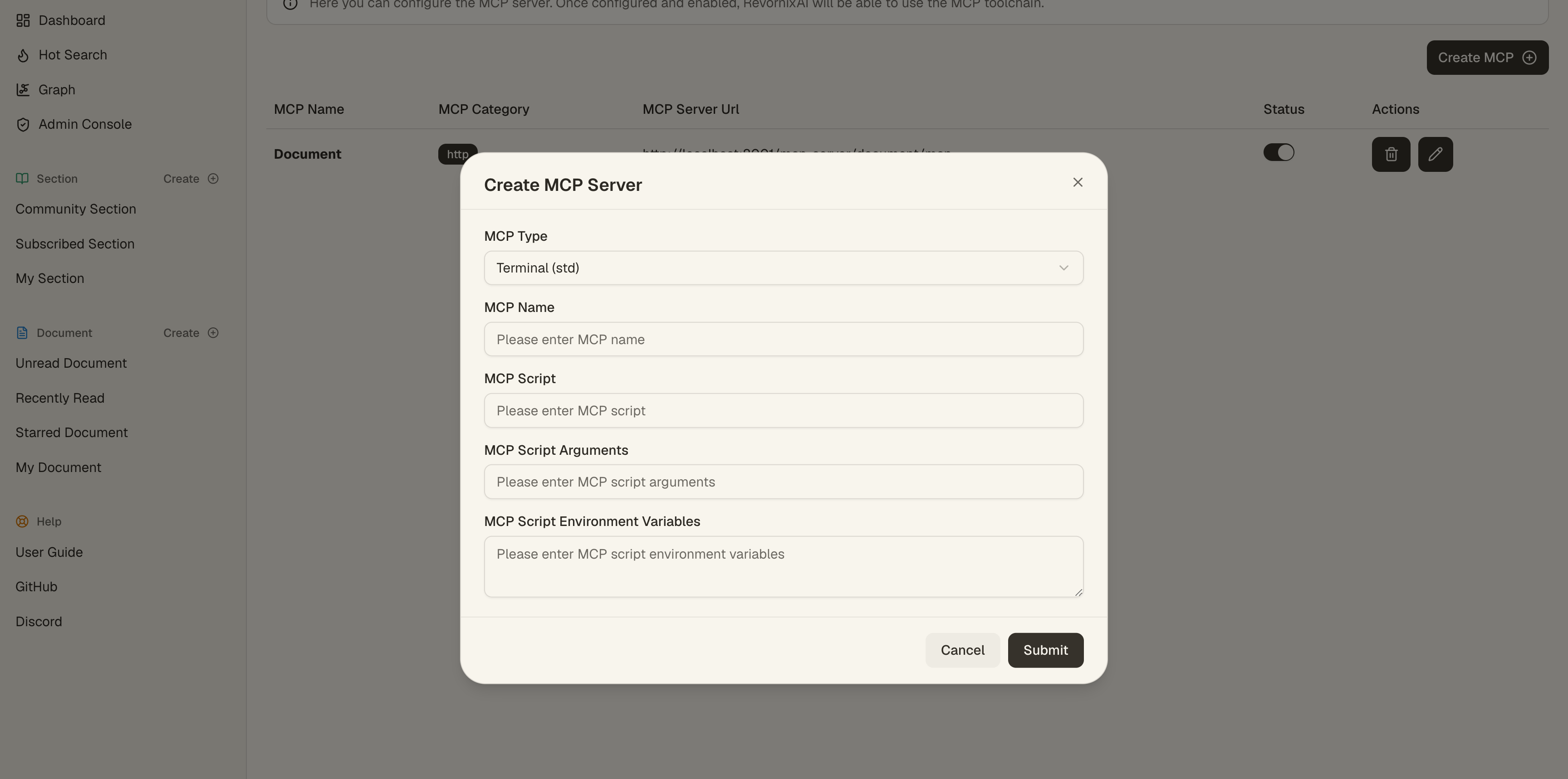
The user-facing MCP configuration supports two categories:
STD: an MCP Server started from a local commandHTTP: a remote MCP Server accessed through a URL
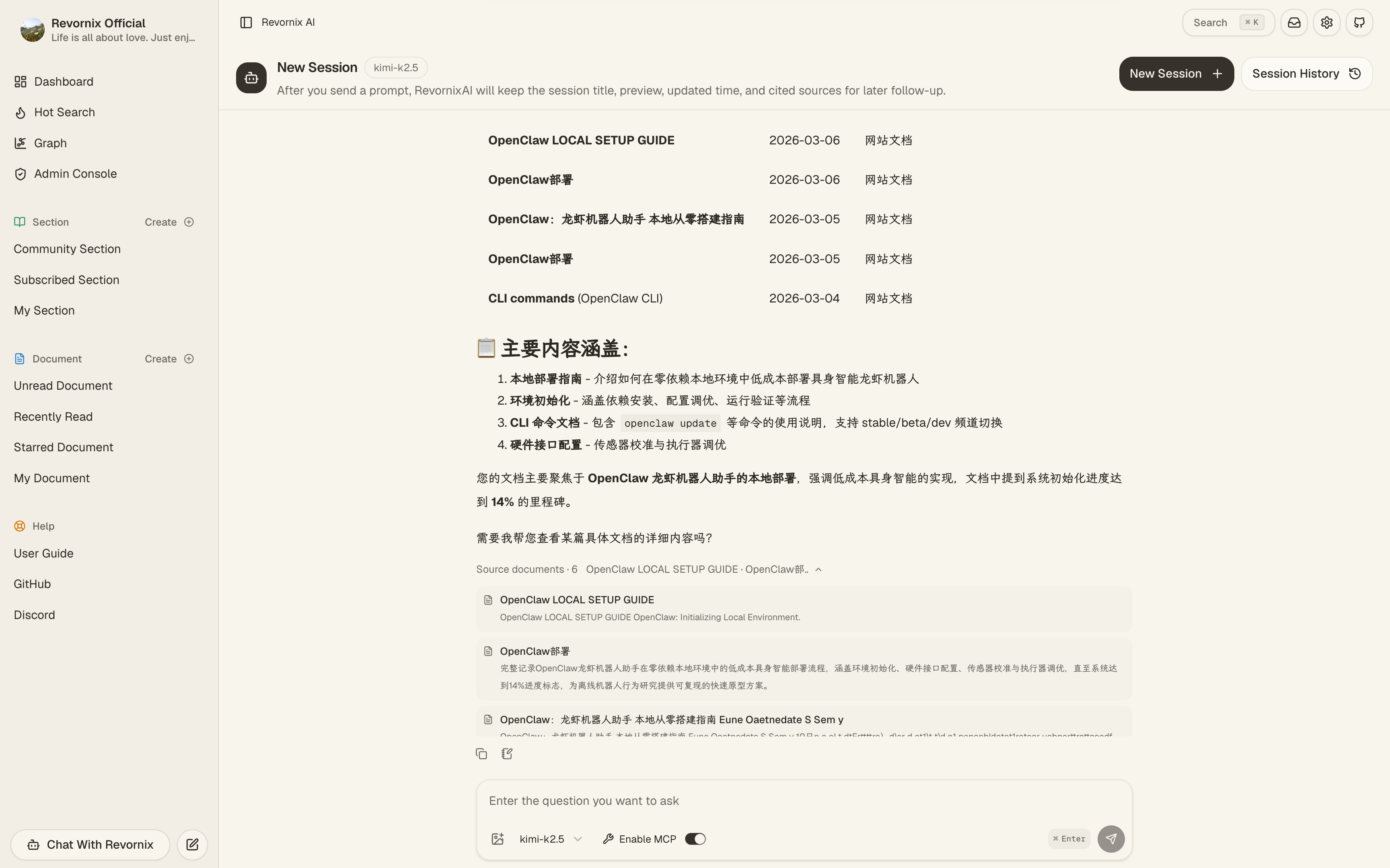
Once MCP servers are configured, Revornix AI can use those tools during conversations and task flows.
Revornix MCP in Both Directions
Revornix currently supports MCP client + server capabilities in both directions.
- Client side: supports connecting to
STDandHTTPMCP servers through MCP Management in Settings. - Server side: the capability is built into the API, with routes organized under
api/mcp_router/*; the current official service grouping maps tocommon,document, andgraph. common: used for general MCP capability extensions.document: mainly used for document and knowledge-base interaction, allowing Revornix AI or external MCP clients to call against local documents.graph: mainly targets graph-related capability extension to support MCP access around knowledge-graph scenarios.
Official Hosted Server Endpoints
If you want to use the official Revornix-hosted MCP servers directly, the current endpoints are:
https://api.revornix.cn/mcp-server/common/mcphttps://api.revornix.cn/mcp-server/document/mcphttps://api.revornix.cn/mcp-server/graph/mcp
Note: the URLs above are for the official hosted environment. For self-hosted code structure or extension points, refer to api/mcp_router/* and the common, document, and graph groupings.
Developer note
If you plan to extend Revornix’s built-in MCP Server, place the code under api/mcp_router and start from the existing common, document, and graph groupings.