Document Collection
Revornix supports four document entry types: website documents, quick notes, file documents, and audio documents.
The Jina engine currently supports only website documents. If you need file documents, switch the conversion engine to something other than Jina.
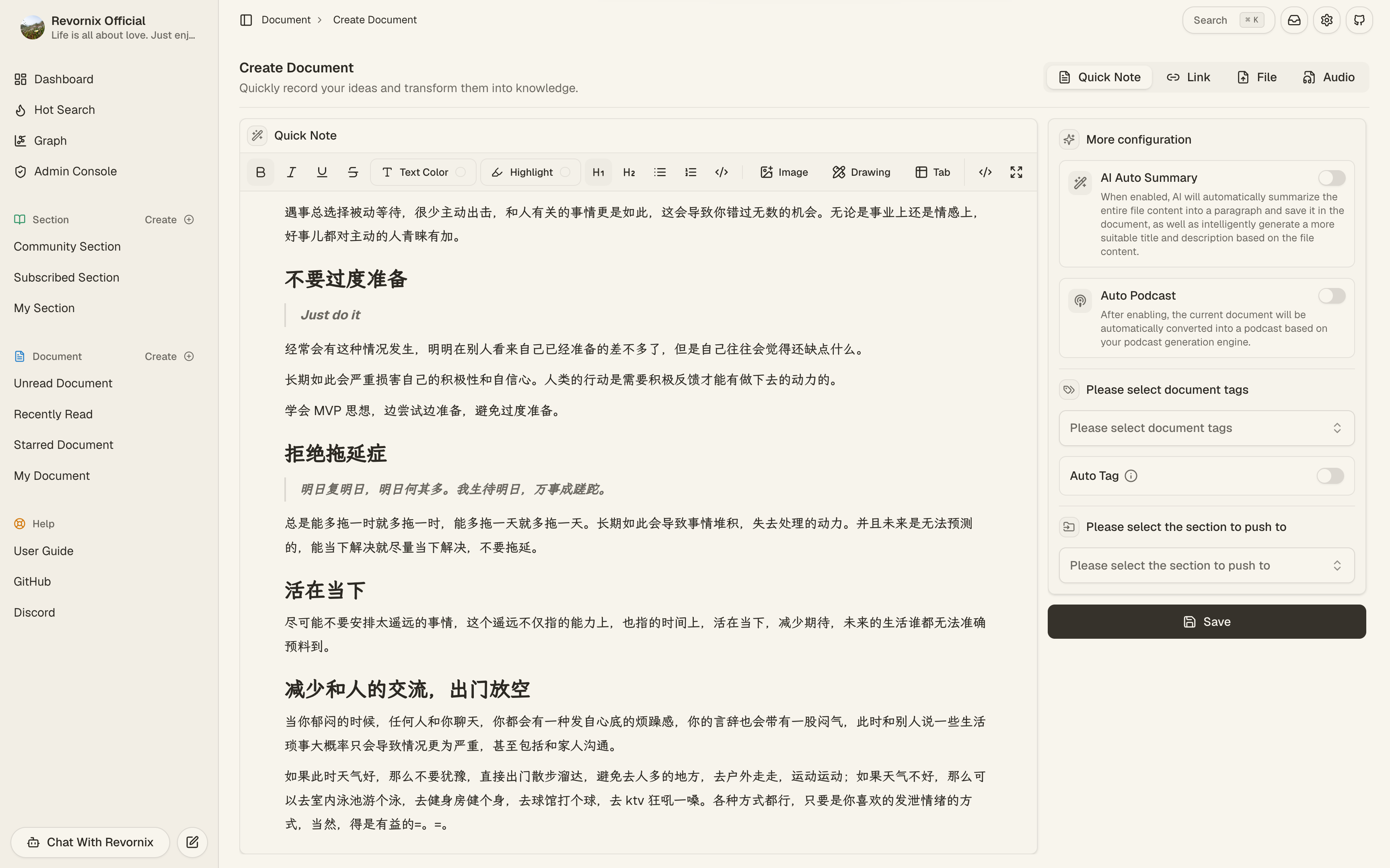
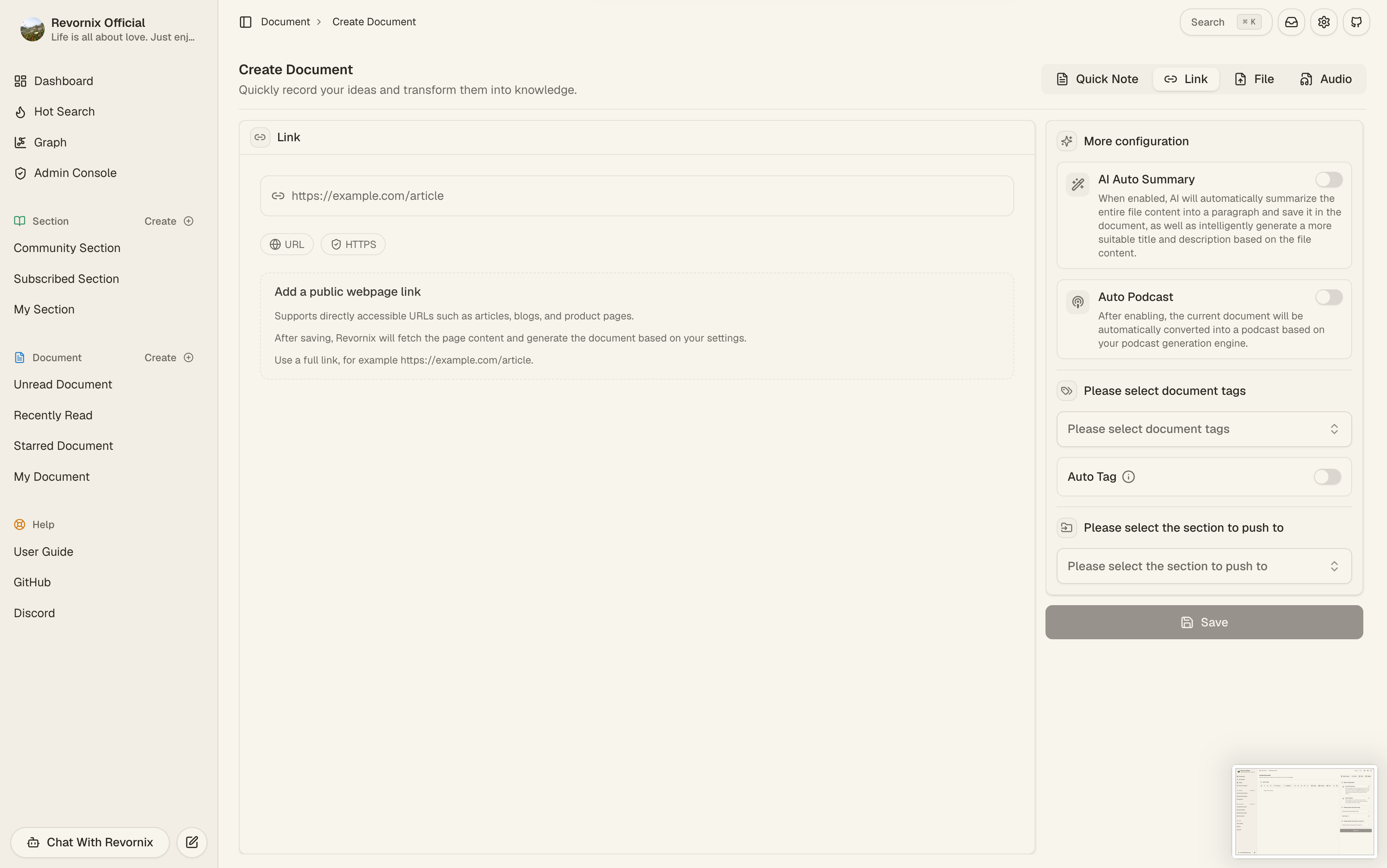
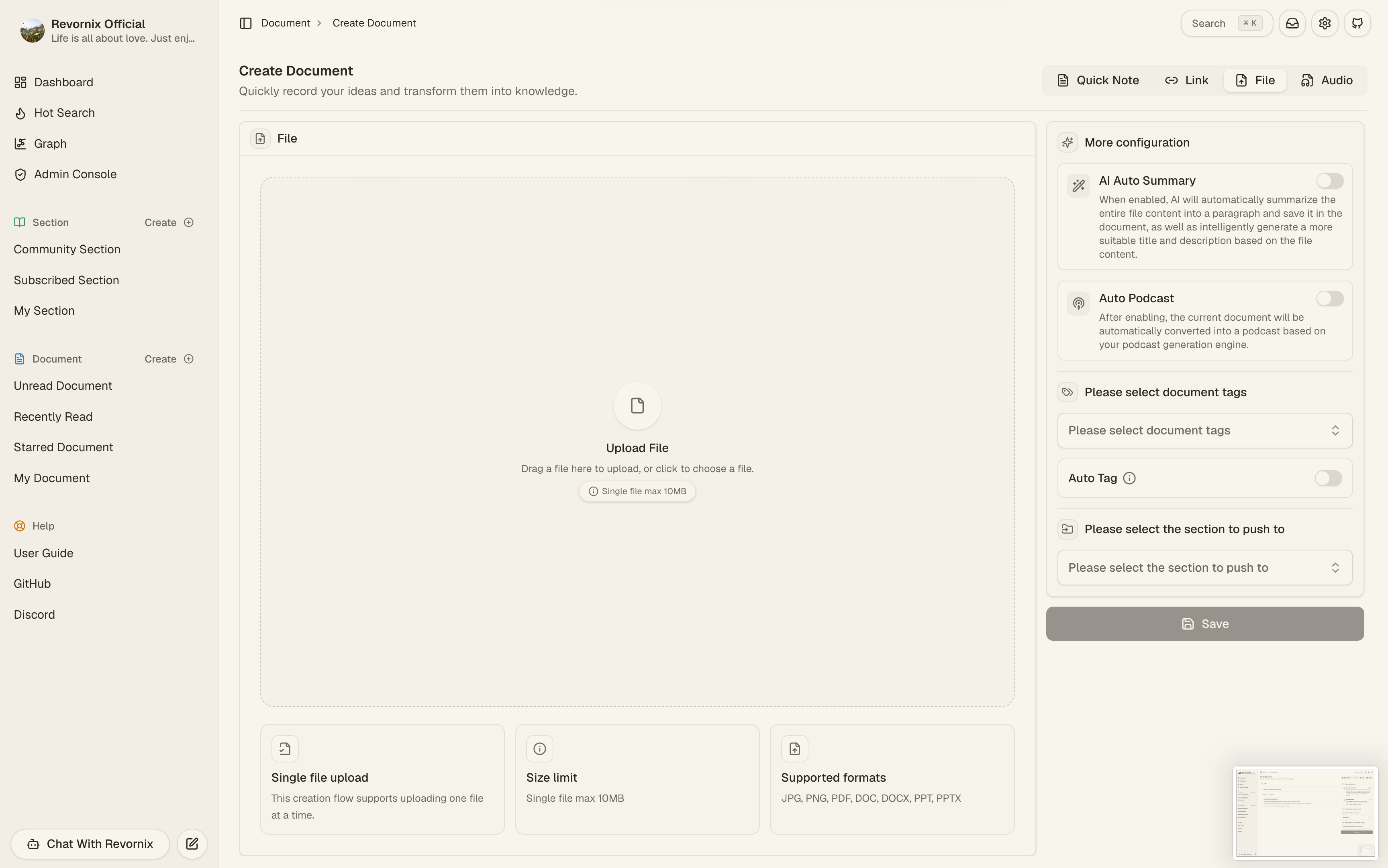
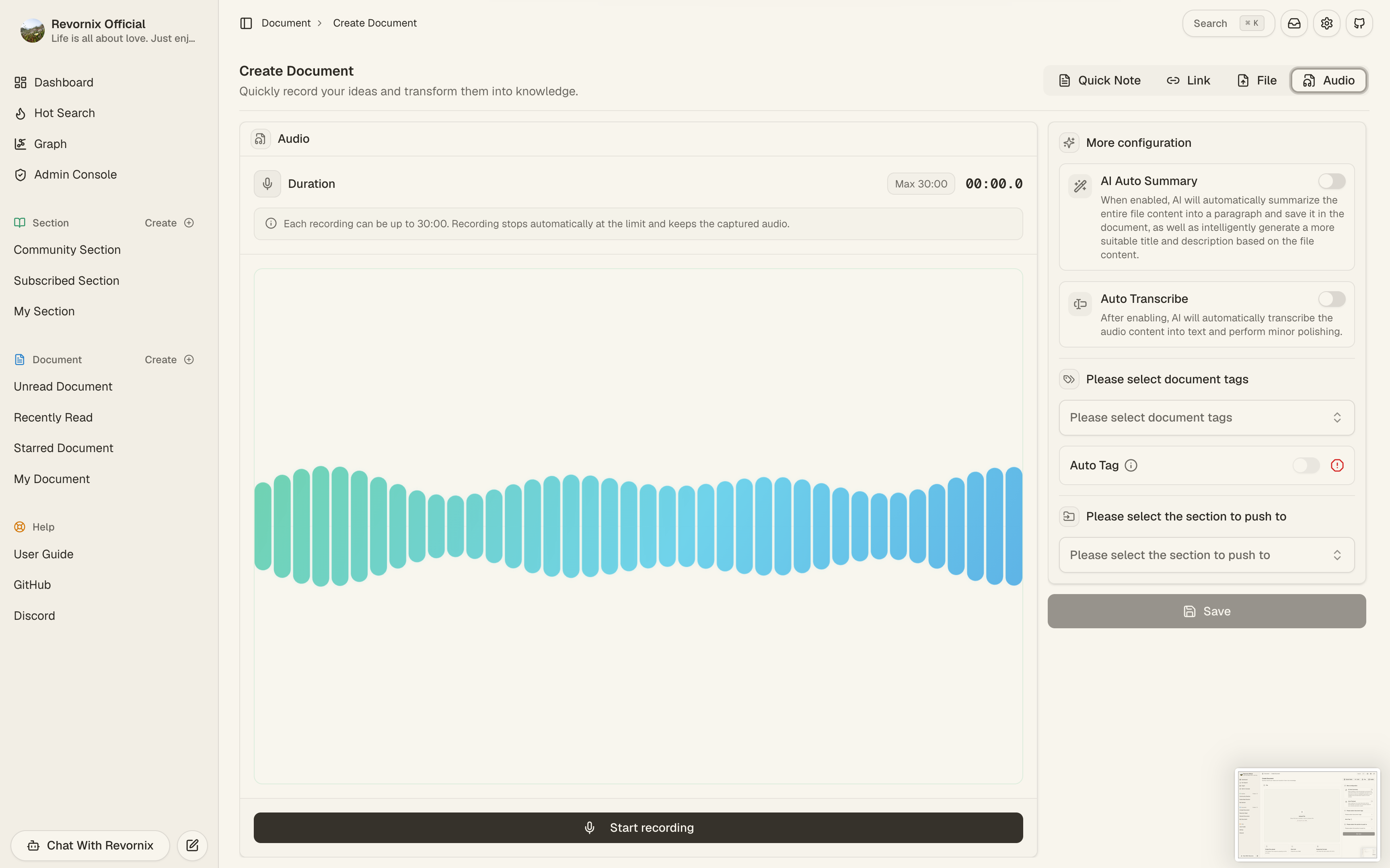
You can collect content directly in the product UI, or through APIs, SDKs, extensions, and automation tooling.
Web collection
Configuration
- Link: the website URL you want to ingest.
- Tags: document tags used for later filtering and organization.
- Auto tag: the system selects tags from your tag list based on document content.
- Auto summary: the system uses the default document-reading / summary model to generate summary fields and replace the default title and description.
- Auto transcription: audio documents can enter transcription automatically after creation. The transcript becomes the main body used by later summary, graph, embedding, and related workflows.
- Meeting-record mode: available for audio documents when auto transcription is enabled. It adds speaker separation and timestamps, which works well for meetings, interviews, and multi-speaker discussions.
- Auto podcast: the system generates an audio podcast from the document and attaches it to the document.
- Push to sections: select sections during creation so the document enters those section workflows immediately.
Note: if auto summary is enabled, the title and description you set will not take effect and will be replaced by the AI summary.
Quick-note authoring flow
Quick notes are now a full Markdown-first creation flow instead of a small text box:
- You can write the Markdown body directly inside the create dialog.
- The editor supports switching between writing and preview before submission.
- A full-page fullscreen editing mode is available when you want to focus on longer writing without surrounding UI noise.
- After creation, the quick note enters the same downstream summary, embedding, graph, podcast, and section-linked workflows as other documents.
API collection
To help developers integrate third-party apps or build custom workflows, Revornix provides API-based ingestion.
Click the user avatar in the bottom-left, choose Account, then go to APIKey Management and click Configure on the right.
For request parameters and response examples, see Third-Party API.
Chrome extension collection
See the plugin repository: Revornix-Chrome-Extension
JS package collection
See the NPM package: Revornix-Npm-Lib
Python library collection
If you want to ingest content from Python scripts, backend jobs, or CI workflows, start with Python SDK and CLI.
Source and installation details: Revornix-Python-Lib
OpenClaw skill collection
If you build automation agents in OpenClaw, you can use the dedicated OpenClaw Skill so the agent can call Revornix document, section, and label operations directly.
File and audio notes
- File documents depend on the default file parsing engine.
- Audio documents depend on the default transcription engine and are uploaded into the default file system before transcription starts.
- Meeting-record mode depends on the transcription engine returning segmented results. When supported, the detail page shows speaker-segmented Markdown, clickable timestamps, right-sidebar meeting insights, and a speaker rename entry.
- Newly generated meeting-mode Markdown displays millisecond timestamps, such as
00:07.860; older transcripts using integer-second timestamps such as00:07remain compatible. - The web upload flow accepts common document and presentation formats, including
pdf / doc / docx / ppt / pptx / jpg / jpeg / png.